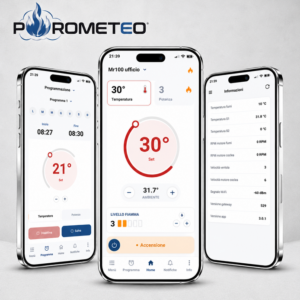
Users of the Prometeo app may request the deletion of their account and the associated personal data at any time.
How to request account deletion
To request the deletion of your Prometeo account, send an email to:
preferably using the same email address used to register the Prometeo account.
Please use the following subject:
Prometeo account deletion request
For security reasons, DUEPI may request verification of account ownership before proceeding with the deletion.
What will be deleted
Once the request has been confirmed, the personal data associated with the Prometeo account will be deleted, including, where applicable:
- first name and last name;
- email address;
- account credentials and account-related data;
- push notification tokens;
- personal preferences and settings;
- associations between the user account and registered devices.
Account deletion is permanent and is not equivalent to simply deactivating the account.
Technical device data
Some technical data relating to the operation of Prometeo devices may be managed separately from the user’s account.
Where such data can no longer be linked to an identified or identifiable person, it may be retained for technical, diagnostic, security or device performance analysis purposes, in accordance with the Prometeo Privacy Policy.
Any data that must be retained due to legal obligations or other legitimate reasons will be kept only for the period strictly necessary.
Request account deletion
To submit your request:
Full information
For more information about the account deletion procedure and the processing of personal data, please refer to the full document: